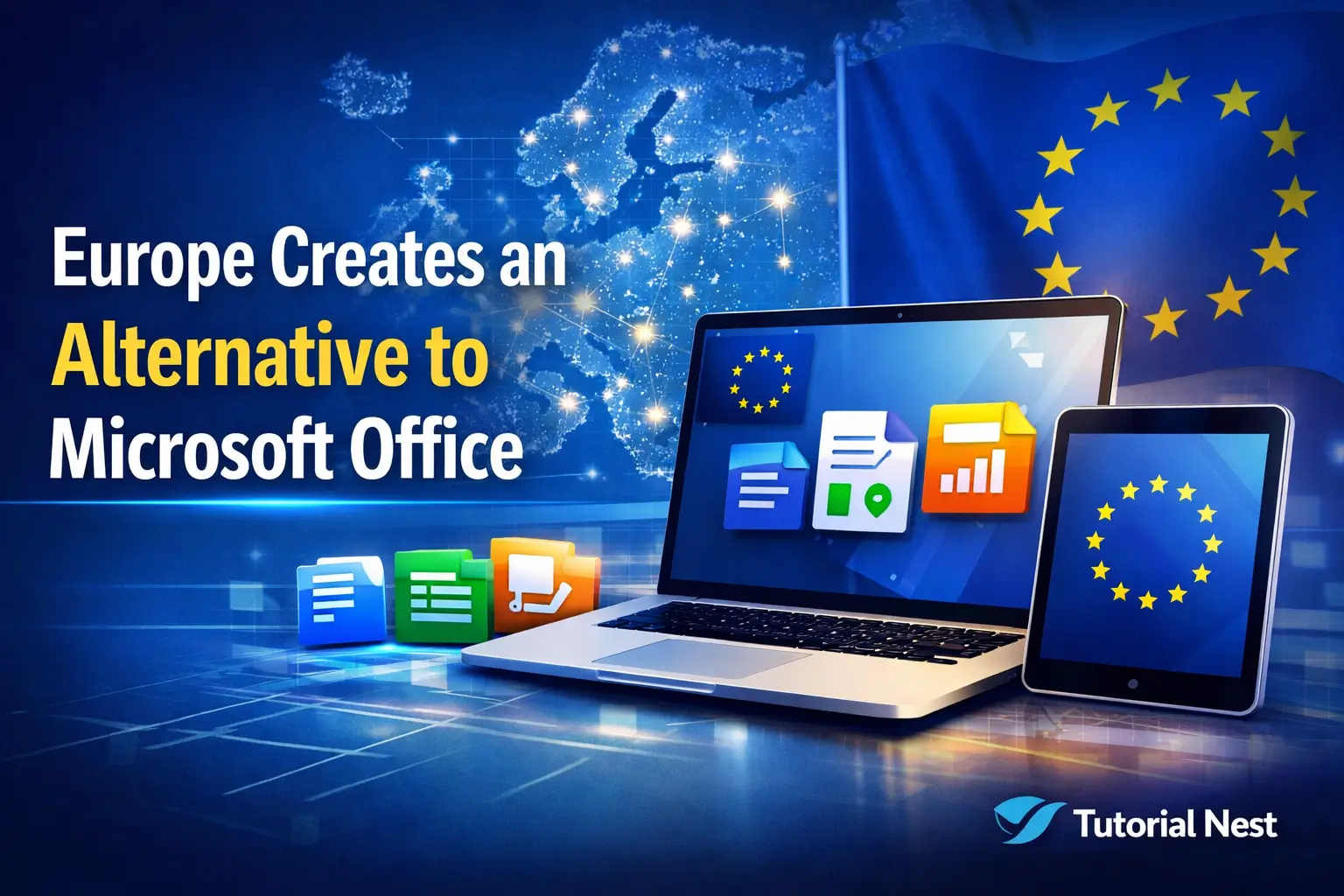
Europe creates an alternative: is developing a new productivity suite aimed at providing a secure, modern, and sovereign alternative to Microsoft Office. With growing concerns about data privacy, digital sovereignty, and reliance on foreign software, European governments and tech companies are taking proactive steps to offer citizens and businesses a fully integrated office solution. This initiative could revolutionize how individuals, corporations, and public institutions work with documents, spreadsheets, and presentations across the continent.
Why Europe Needs Its Own Productivity Suite
1. Data Privacy and Security
One of the main reasons driving this project is the increasing concern about data privacy. Many European organizations rely heavily on Microsoft Office, which stores data in servers that may be located outside the EU. While Microsoft complies with GDPR regulations, there is still the risk of foreign jurisdictions accessing sensitive data.
A European alternative would ensure that documents, emails, and user data remain within European servers, fully complying with strict privacy laws and offering peace of mind to users.
2. Digital Sovereignty
Europe aims to strengthen its digital sovereignty by reducing dependency on software from non-European companies. Developing a local alternative allows countries and businesses to have more control over updates, security patches, and the overall software roadmap. This aligns with the EU’s broader digital strategy to support homegrown technology and infrastructure.
3. Supporting Local Innovation
The initiative also fosters innovation within European tech companies. By investing in a locally developed productivity suite, governments and private enterprises create opportunities for developers, engineers, and cybersecurity experts across Europe. This could strengthen the continent’s position as a hub for high-tech software solutions.
Key Features of the New European Productivity Suite
While the full suite is still under development, preliminary reports suggest it will include:
1. Word Processor
A modern document editor with features similar to Microsoft Word, including:
-
Real-time collaboration
-
Templates for business and academic use
-
Advanced formatting and styling options
2. Spreadsheet Tool
The suite will include a spreadsheet application, comparable to Excel:
-
Complex formulas and functions
-
Charts and data visualization
-
Pivot tables for business analysis
3. Presentation Tool
A slide creation tool akin to PowerPoint, designed for professionals and students:
-
Pre-designed templates for quick presentations
-
Animation and multimedia integration
-
Cloud-based collaboration for teams
4. Cloud Integration
Unlike traditional software, the European suite will have built-in cloud features, ensuring:
-
Documents are accessible across devices
-
Advanced security protocols for data storage
-
GDPR-compliant cloud infrastructure
5. Compatibility with Microsoft Office Formats
To ease adoption, the suite will support Microsoft Office formats such as .docx, .xlsx, and .pptx. This ensures users can transition smoothly without losing existing work or documents.
6. Advanced Security Features
Security is a cornerstone of this initiative:
-
End-to-end encryption for sensitive documents
-
Multi-factor authentication for enterprise users
-
Secure backups within European servers
Impact on Businesses and Public Institutions
1. For Corporations
European businesses could significantly reduce dependency on foreign software, lowering risks associated with data breaches and increasing control over IT systems. Companies may also benefit from lower costs, as locally developed software might be more affordable than Microsoft Office licenses.
2. For Governments
Government agencies can maintain sensitive citizen data securely within Europe. A homegrown suite ensures that public sector documents comply with local regulations and national security standards.
3. For Educational Institutions
Universities and schools can adopt the software for teaching, assignments, and research. Local development could allow for custom features tailored to educational needs, improving accessibility and learning outcomes.
Challenges and Considerations
1. User Adoption
Convincing millions of users to switch from Microsoft Office will not be easy. Familiarity and existing workflows are strong barriers. The new suite must be intuitive and compatible to encourage adoption.
2. Development Costs
Building a robust, secure, and fully-featured productivity suite requires significant investment. Funding and collaboration between governments and private tech companies will be key to success.
3. Competition
Microsoft Office, Google Workspace, and other office suites are well-established. The European alternative will need unique selling points such as enhanced security, GDPR compliance, and localized features to stand out.
Timeline and Availability
According to preliminary reports:
-
Early prototypes are expected within the next 12–18 months
-
Beta testing will involve selected European businesses and institutions
-
Full public release could happen in the next 2–3 years
Users and organizations can already sign up for updates and participate in testing once the beta version becomes available.
Why This Could Change the Productivity Software Market
The European initiative is not just about replacing Microsoft Office; it represents a shift in digital autonomy and security priorities:
-
Users gain better control over their data
-
Businesses reduce reliance on non-European companies
-
Governments ensure national and citizen security
In addition, fostering local innovation may lead to new features and tools that differentiate this suite from existing products, potentially setting new industry standards.
Tips for Preparing for the Transition
If you are interested in switching to the European suite once it’s available, consider:
-
Backup your current documents in Microsoft Office formats
-
Stay informed on official announcements and beta releases
-
Train your team early on to ease adoption
-
Evaluate security protocols to ensure sensitive data remains protected
- If you want to ensure your system is fully secure, follow our step-by-step Windows 11 installation guide via USB or DVD.
Executive Summary
The development of a European alternative to Microsoft Office marks a major step toward digital sovereignty, privacy, and local technological growth. While challenges remain, such as adoption and competition, the initiative could redefine productivity software across Europe and provide a safer, more secure option for businesses, institutions, and individuals alike.
Europe’s focus on innovation, security, and compliance ensures that users will not only gain a functional alternative but also one that aligns with European values and standards.