
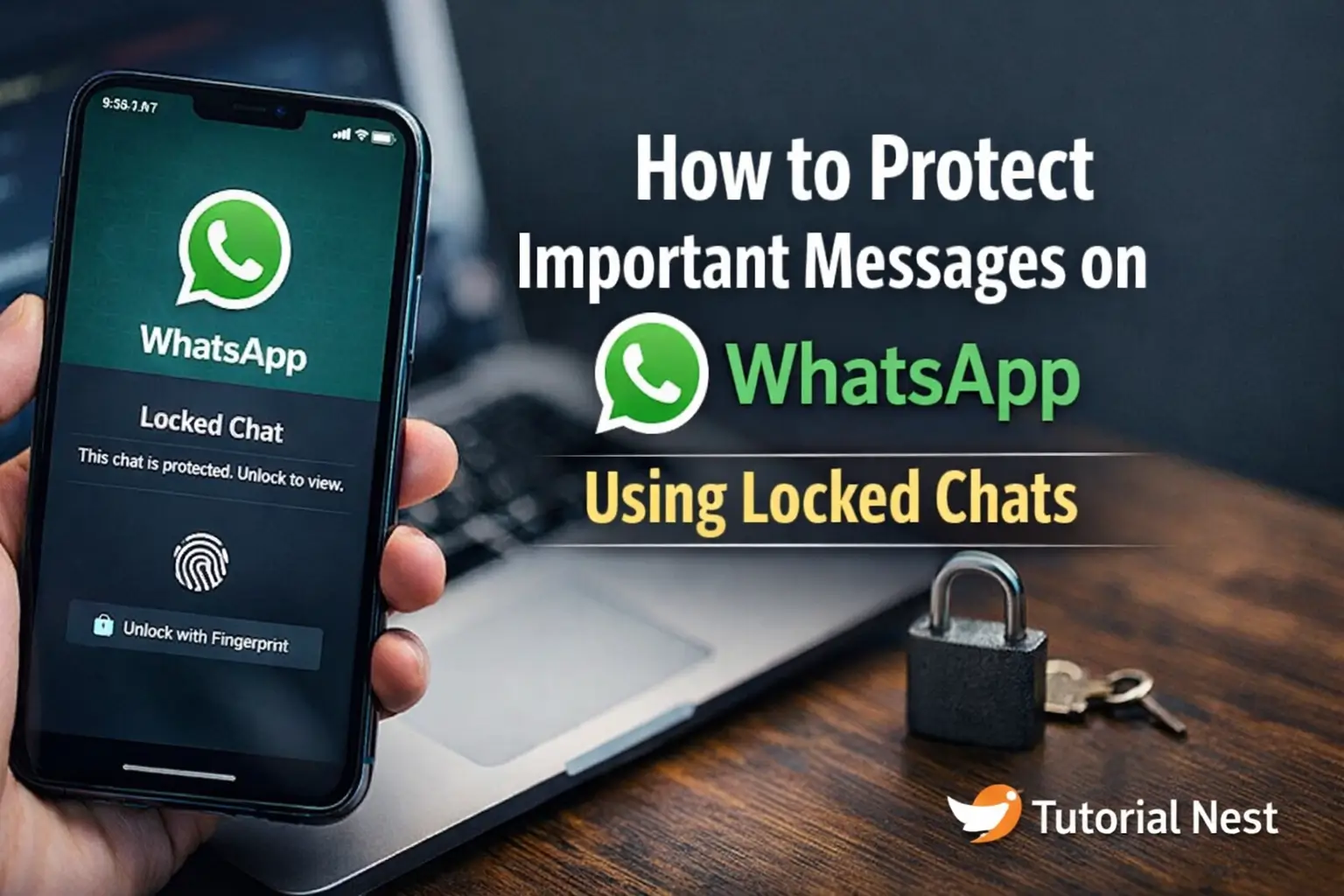

In an age where digital privacy is constantly at risk, protecting your personal conversations has become more important than ever. From cyber threats to unauthorized access, your private messages can easily be exposed if not properly secured.
Fortunately, WhatsApp provides a powerful built-in feature called Locked Chats, designed to keep your most sensitive conversations hidden and protected.
In this Tutorial Nest guide, you will learn how to use Locked Chats step by step, understand its security benefits, and discover additional tips to keep your WhatsApp messages safe from prying eyes.
What Are Locked Chats on WhatsApp?
The Locked Chats feature on WhatsApp is an advanced privacy tool designed to give users greater control over their most sensitive conversations. As digital communication becomes increasingly vulnerable to unauthorized access, this feature provides an extra layer of protection beyond standard app security.
With Locked Chats, you can secure specific conversations using your device’s built-in authentication methods, including:
- Fingerprint recognition
- Face ID (on supported devices)
- Device passcode or PIN
Once a chat is locked, it is automatically moved out of your main chat list and placed into a hidden, protected folder. This folder is not visible unless you actively unlock it, making it nearly impossible for someone to accidentally or intentionally access your private messages.
How Locked Chats Improve Privacy
Unlike standard chat features, Locked Chats are designed with security-first functionality. Each time you attempt to open a locked conversation, you must verify your identity using biometric authentication or your device passcode.
This means that even if someone gains access to your unlocked phone, your most important chats remain protected.
🔒 Tip: Locked Chats provide an additional security layer beyond WhatsApp’s default end-to-end encryption.
Cross-Platform Compatibility
One of the key advantages of Locked Chats is that they work seamlessly across both Android and iOS devices. The feature is integrated directly into WhatsApp, so there is no need to install third-party apps or tools.
This ensures a consistent and secure experience regardless of the device you are using.
When Should You Use Locked Chats?
Locked Chats are particularly useful for protecting conversations that contain sensitive or private information. These may include:
- Sensitive business communications
- Personal or family conversations
- Banking or financial discussions
- Sharing private photos and videos
By locking these chats, you reduce the risk of unauthorized access and protect your personal data from potential exposure.
Locked Chats vs. Archived Chats
It’s important to understand that Locked Chats are very different from traditional chat archiving. While archived chats simply remove conversations from your main view, they can still be accessed easily without any security verification.
In contrast, Locked Chats require authentication every time they are opened. This makes them significantly more secure and suitable for protecting confidential information.
Locked Chats represent a major step forward in mobile privacy. By combining convenience with strong security measures, this feature helps users maintain control over their personal conversations in an increasingly connected world.
Why You Should Protect Your Messages
In today’s digital environment, your conversations on WhatsApp often contain far more than simple text messages. They can include highly sensitive information that, if exposed, could compromise your privacy, security, and even your finances. This is why protecting your messages is no longer optional—it’s essential.
What Kind of Data Is at Risk?
Your WhatsApp chats may store a wide range of personal and confidential information, such as:
- Personal conversations that you don’t want others to see
- Banking or financial information, including transaction details
- Private photos and videos shared with trusted contacts
- Work-related data, especially if you use WhatsApp for business communication
- Passwords or login details sent between devices or contacts
Even a single exposed message can lead to serious consequences, including identity theft, financial loss, or personal embarrassment.
The Risks of Unprotected Messages
Many users assume that locking their phone is enough to keep their messages safe. However, this is not always the case. There are several ways your messages can still be exposed:
- Someone with temporary access to your unlocked phone can open your chats
- Message notifications on the lock screen may reveal sensitive content
- Screenshots or screen recordings can capture private conversations
- Apps running in the background may display previews of recent messages
⚠️ Important: Even a few seconds of unauthorized access can be enough for someone to read or capture your private information.
Why Extra Protection Matters
This is where advanced privacy features like Locked Chats become essential. By adding an extra layer of authentication, you ensure that your most important conversations are not easily accessible—even if someone has physical access to your device.
Locked Chats require identity verification every time a protected conversation is opened. This significantly reduces the risk of unauthorized access and keeps your sensitive data secure.
Real-World Scenarios
Consider situations where your phone might be exposed:
- Lending your phone to a friend or colleague
- Leaving your device unattended in public
- Sharing your phone with family members
- Losing your device temporarily
In these cases, unprotected messages can quickly become vulnerable. However, with proper security measures in place, your private information remains safe.
How to Use Locked Chats on WhatsApp
Protecting your private conversations is quick and easy using the Locked Chats feature. Follow the step-by-step guide below to secure your most important messages and keep them hidden from unauthorized access.
Open WhatsApp
Start by launching WhatsApp on your smartphone. Make sure you are using the latest version of the app, as the Locked Chats feature may not be available on outdated versions.
Tip: You can update WhatsApp from the Google Play Store or Apple App Store if needed.
Select the Chat
Browse your chat list and select the conversation you want to protect. This can be an individual chat or a group conversation containing sensitive information.
Once opened, tap on the contact name or group name at the top of the screen to access chat settings.
Enable Chat Lock
Scroll down within the chat settings until you find the “Chat Lock” option.
To activate it:
- Tap Chat Lock
- Select Lock this chat
- Confirm your choice
Once enabled, the chat will automatically be moved to a hidden and protected folder.
Confirm Your Security Method
To complete the process, you will be asked to verify your identity using one of the following methods:
- Fingerprint authentication
- Face ID (on supported devices)
- Device passcode or PIN
This ensures that only you can access the locked conversation.
Access Your Locked Chats
After locking a conversation, it will no longer appear in your main chat list. Instead, it will be stored in a hidden Locked Chats folder.
To access it:
- Scroll to the top of your chat list
- Tap Locked Chats
- Authenticate using your security method
What Happens After Locking?
Once a chat is locked:
- It is hidden from the main chat screen
- Notifications may be limited or hidden
- Media files are protected from unauthorized access
- Only authenticated users can open the conversation
This provides a strong additional layer of privacy, even if someone else uses your phone.
Where to Find Locked Chats
Once a chat is locked:
-
WhatsApp moves it to a Locked Chats folder
-
The folder is hidden from your main chat list
-
You must authenticate to access it
-
WhatsApp minimizes notifications to prevent revealing private info
Tip: Some WhatsApp versions allow you to customize notifications for locked chats so that incoming messages don’t reveal sensitive content on your lock screen.
Extra Tips to Improve WhatsApp Security
Protecting your conversations with Locked Chats on WhatsApp is a great first step, but it should not be your only line of defense. To maximize your digital security, it’s important to combine multiple protective measures. These additional tips will help you strengthen your privacy and reduce the risk of unauthorized access.
Use Two-Step Verification
Enabling Two-Step Verification adds an extra layer of protection to your WhatsApp account. With this feature, you create a unique PIN that is required whenever your phone number is registered on a new device.
This means that even if someone manages to clone your SIM card or gain access to your phone number, they still won’t be able to access your account without the PIN.
Tip: Choose a strong and memorable PIN, and avoid using obvious combinations like 123456.
Keep Your App Updated
Keeping your WhatsApp application up to date is essential for maintaining security. Developers regularly release updates that fix bugs, improve performance, and patch security vulnerabilities.
Using an outdated version of the app can expose your device to known risks.
To stay protected:
- Enable automatic updates in your app store
- Regularly check for new updates manually
⚠️ Important: Security updates are often released silently, so staying updated is one of the easiest ways to protect your data.
Avoid Suspicious Links
One of the most common ways hackers gain access to accounts is through phishing attacks. These usually come in the form of suspicious links sent via messages.
Clicking on these links can:
- Redirect you to fake login pages
- Install malware on your device
- Steal personal information
Always verify the source before clicking any link, especially if it looks unusual or urgent.
Lock Your Phone
Your phone is the gateway to your personal data, so securing it is crucial. Use strong security methods such as:
- A secure password or PIN
- Fingerprint authentication
- Face recognition
Combining a locked device with Locked Chats creates a double layer of protection, making it significantly harder for anyone to access your private conversations.
Be Careful With Backups
WhatsApp automatically stores backups on cloud services like Google Drive or iCloud. While this is convenient, it can also introduce security risks if not properly managed.
To improve backup security:
- Enable encrypted backups
- Avoid using public or shared accounts
- Regularly review your backup settings
Backups may contain your entire chat history, so protecting them is just as important as securing your live conversations.
Advanced WhatsApp Security Features
WhatsApp also provides additional tools for privacy:
-
Disappearing Messages
Automatically deletes messages after a set period. Perfect for sensitive information. -
End-to-End Encryption
All chats are encrypted by default. Locked Chats adds physical-device protection on top. -
Fingerprint Lock for App
You can lock the entire WhatsApp app, not just individual chats, for extra security.
Recommended Security Tools
While WhatsApp has built-in protection, additional tools can enhance security:
VPN Services
Protect your internet connection and mask your IP — especially on public Wi-Fi.
Price: ~$3–$10/month (≈ R55–R185 in South Africa)
Antivirus Apps
Detect malware and phishing threats.
Price: Free to ~$50/year (≈ R900/year)
Encrypted Cloud Storage
Backup sensitive media securely with strong passwords.
Examples: Google One encrypted backups, iCloud with two-factor authentication.
Common Mistakes to Avoid
Even with Locked Chats, users often make mistakes that compromise security:
-
Not using phone security lock
-
Sharing verification codes
-
Using weak passwords
-
Ignoring app updates
-
Clicking suspicious links
-
Leaving notifications visible on the lock screen
Avoiding these errors helps maximize WhatsApp security.
Benefits of Using Locked Chats
Using the Locked Chats feature on WhatsApp offers a powerful way to enhance your privacy and protect your most sensitive conversations. In a time where digital security is more important than ever, this feature provides multiple advantages that go beyond basic message protection.
Protect Confidential Conversations
Locked Chats allow you to secure private discussions that contain sensitive information. Whether it’s personal messages, work-related conversations, or financial details, this feature ensures that only you can access them.
By isolating these chats in a protected folder, you reduce the risk of accidental exposure or unauthorized viewing.
Adds an Extra Layer of Security
While WhatsApp already uses end-to-end encryption, Locked Chats add an additional layer of protection directly on your device. This means that even if someone unlocks your phone, they still won’t be able to access protected conversations without proper authentication.
Prevents Unauthorized Access
One of the biggest advantages of Locked Chats is preventing unauthorized access. If someone borrows your phone or if it is left unattended, your most important messages remain protected.
Each time a locked chat is opened, identity verification is required, making it significantly harder for anyone to access your conversations without permission.
Maintains Privacy on Shared Devices
Many users share their smartphones with family members, friends, or colleagues. In these situations, maintaining privacy can be difficult.
Locked Chats help you keep full control over your private messages, even when your device is used by others. This is especially useful in shared environments where multiple people may have access to the same phone.
Peace of Mind
Another important benefit is the confidence it provides. Knowing that your conversations are protected allows you to use WhatsApp without worrying about privacy risks or accidental exposure.
This added level of security makes Locked Chats an essential feature for anyone who values their digital privacy.
Best Practices for Daily WhatsApp Security
-
Regularly review which chats are confidential and lock them.
-
Use strong, unique passwords for your Google or Apple accounts (important for backups).
-
Educate family or colleagues about phishing and malware.
-
Enable two-factor authentication on all connected devices.
-
Avoid using public devices for WhatsApp Web.
Executive Summary
Protecting your WhatsApp messages is no longer optional — it’s necessary.
Using Locked Chats, combined with good digital habits, two-step verification, and secure backups, significantly reduces the risk of unauthorized access.
Beyond WhatsApp, keeping your operating system secure is equally important.
Check our detailed guide on🌐 how to safely download and install Windows 11 via USB or DVD↗️ to avoid issues.
At Tutorial Nest, we recommend combining built-in app features with smart security practices for maximum protection. Your privacy is in your hands — every step you take today makes your online life safer tomorrow.
Learn more about WhatsApp security features on the official WhatsApp site.
