


The Siri interface iOS 27 update looks much bigger than a simple redesign. Apple is not just changing how Siri appears on the screen. The company is trying to change how people interact with the iPhone itself. For a long time, Siri felt limited when compared with newer AI tools. Users could ask basic questions, set reminders, or open apps, but once the request became more complex, Siri often failed to deliver the right result. That gap has become impossible to ignore.
People now expect more from an assistant. They want natural conversation, better context awareness, and faster actions across apps. That is why the Siri interface iOS 27 matters. This is not just about a cleaner look or a smoother animation. It is about Apple trying to make Siri feel useful again in a world where AI assistants are getting smarter every month.
For years, Siri struggled with understanding follow-up questions, reading screen context, and handling multi-step requests. That weakness made the experience feel outdated. While Apple kept improving hardware and performance, Siri often stayed behind. Now the company seems ready to close that gap. If the new design connects with deeper AI improvements, users could finally see Siri move from a basic voice tool to something much more capable.
Why the Siri interface iOS 27 update matters so much
This redesign matters because it changes expectations. A better assistant changes how people use their phone every day. Instead of tapping through apps, searching manually, or repeating commands, users may be able to rely more on natural voice interaction. That saves time, reduces friction, and makes the iPhone feel smarter in daily use.
The bigger truth is simple: Apple cannot afford to leave Siri behind anymore. AI competition is moving too fast, and users notice the difference immediately. If Apple is redesigning Siri now, it is because the company knows Siri must evolve. The Siri interface iOS 27 could become one of the most important parts of the entire update, not because of how it looks, but because of what it could finally allow users to do.
Why Apple Is Redesigning the Siri Interface in iOS 27
The Siri interface iOS 27 redesign is happening for one clear reason: user expectations have changed. People no longer compare Siri only with older voice assistants. They compare it with modern AI tools that can understand context, respond naturally, and handle more complex requests without confusion. That changes everything. What felt acceptable a few years ago now feels limited.
Users want an assistant that does more than set alarms or answer simple questions.
Users now expect natural conversations, smarter responses, and deeper app integration. Instead of repeating commands, they want to ask one question, follow up naturally, and still get the right answer. A modern assistant also needs to understand what is on the screen, what just happened, and what the user actually means.
. Right now, Siri does not always deliver that experience.
That is the gap Apple needs to fix. The Siri interface iOS 27 update is not only about design. It is about trust, speed, and usefulness. When an assistant feels slow or confused, people stop using it. They go back to tapping through menus and doing everything manually. Apple knows that once users lose confidence in Siri, it becomes much harder to make them rely on it again.
Another reason behind this redesign is competition. AI is moving fast, and Apple cannot afford to leave Siri looking outdated or feeling disconnected from the rest of the iPhone experience. The company needs Siri to feel modern, relevant, and capable of handling real daily tasks.
That is why the Siri interface iOS 27 matters. Apple is not redesigning Siri just to make it prettier. Apple is trying to make it smarter, faster, and more useful in a world where users expect much more from AI than ever before.
What Is Changing in the Siri Interface
The Siri interface iOS 27 update changes more than the visual design. Apple is working on how Siri looks, how it reacts, and how it responds in real use. That matters because users do not judge an assistant only by appearance. They judge it by speed, clarity, and whether it actually helps in the moment.
Visually, the new Siri experience is expected to feel cleaner and less disruptive. Instead of interrupting everything on the screen, Siri may appear in a more fluid and integrated way. That makes the assistant feel like part of the iPhone, not a separate layer that takes over the device.
Behavior is also changing. Siri should become more aware of what the user is doing, which means it can respond with better context. If Apple delivers that correctly, users will not need to repeat themselves as much. That alone would make the experience feel much smarter.
The response style is another major part of the Siri interface iOS 27 redesign. Users want answers that sound natural, direct, and useful. They do not want robotic replies or confusion after simple follow-up questions. Apple seems to understand that now. The real goal is not just to redesign Siri, but to make it feel more intelligent, more helpful, and more natural in daily life.
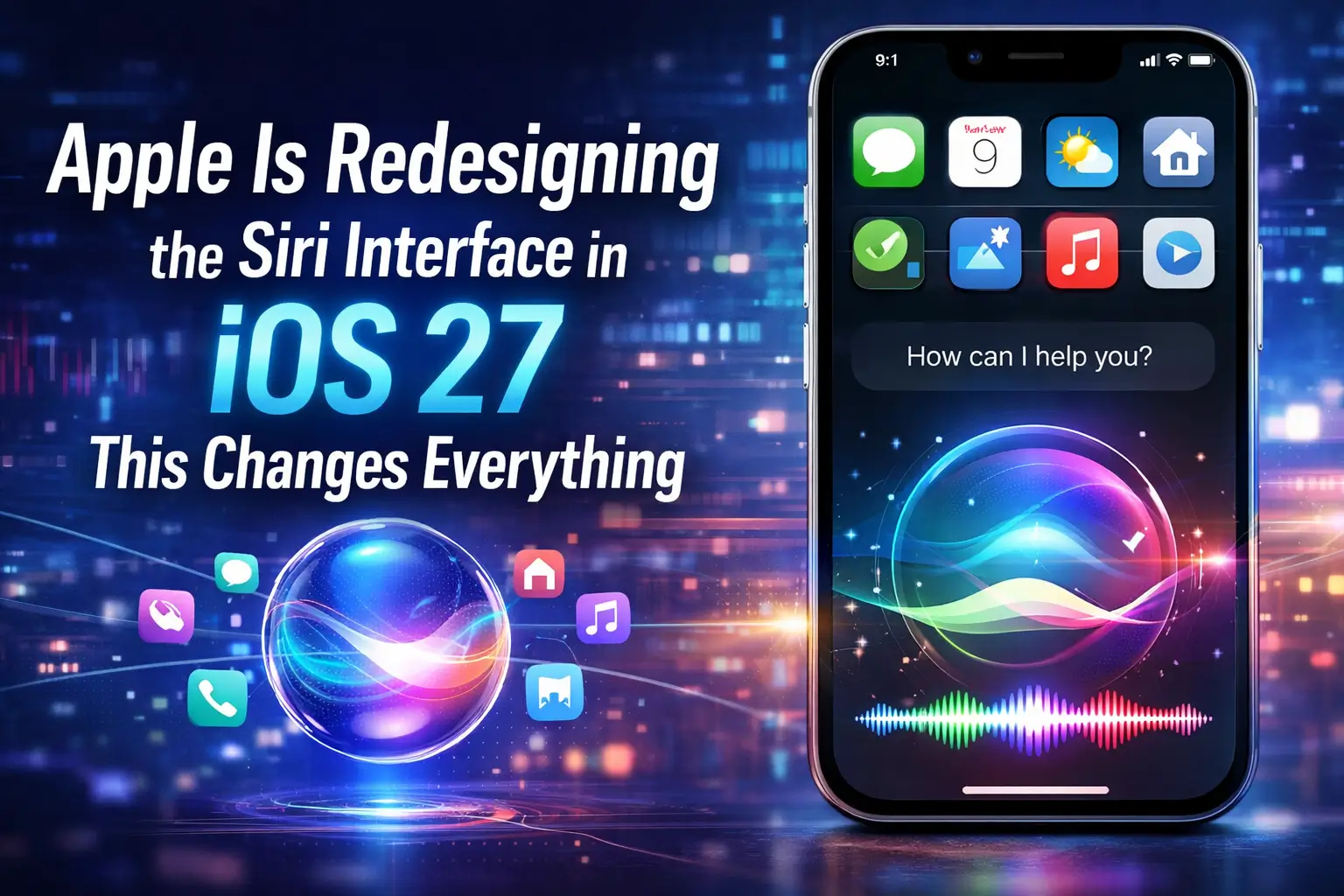
A Cleaner and More Modern Siri Interface in iOS 27
The Siri interface iOS 27 update aims to make Siri feel lighter, faster, and easier to use in everyday situations. Apple is not just changing colors or animations. The company is rethinking how Siri appears while you use your phone. Instead of interrupting your workflow, Siri will likely stay in the background and support what you are doing without taking full control of the screen.
This shift matters because users often avoid assistants that feel intrusive. When Siri takes over the entire display, it breaks focus. With the Siri interface iOS 27, Apple is moving toward a more fluid experience. You can continue using your apps while interacting with Siri at the same time.
You can expect smoother animations that feel natural and responsive. Transitions should look cleaner, and feedback should become clearer. Instead of guessing what Siri is doing, you will see it in real time. That improves confidence and usability.
Less disruption also means faster interactions. You ask, Siri responds, and you continue your task without losing context. That simple change can make a big difference in daily use.
The goal is clear. Apple wants Siri to feel like a natural part of the system, not a separate tool that interrupts your flow.
More Context Awareness in the Siri Interface iOS 27
The Siri interface iOS 27 update focuses heavily on context awareness, and this is where the real change happens. Siri no longer treats every request as an isolated command. Instead, it starts to understand what you are doing, what you just asked, and what is currently on your screen. That shift makes interactions feel natural instead of mechanical.
In practical terms, Siri will remember recent interactions. You can ask one question, follow up with another, and expect a consistent answer. You no longer need to repeat details or restate the full request. This saves time and removes friction from everyday use.
The assistant also understands on-screen content. If you are viewing a photo, reading a message, or browsing a webpage, Siri can use that context to respond correctly. For example, you can say, “Send this to John,” and Siri will know what “this” refers to. That level of awareness changes how you interact with your device.
Another important part of the Siri interface iOS 27 redesign is cross-app understanding. Siri can connect information between apps instead of working inside a single one. You can reference a message, create a reminder, and send content without switching manually between apps.
This improvement does not just make Siri smarter. It makes the entire iPhone experience more fluid. You spend less time navigating and more time getting things done. That is why context awareness stands out as one of the most important changes in this update.
Better App Integration
The Siri interface iOS 27 update pushes Siri deeper into the system, and this is where users will feel the biggest practical difference. Apple is not just improving how Siri looks or responds. The company is changing how Siri works with apps across the entire iPhone. This matters because most daily tasks depend on moving between apps, and that process often feels slow and repetitive.
With the new Siri interface iOS 27, Siri should control apps more efficiently. Instead of opening an app and tapping through menus, you can give a direct command and let Siri handle the action. This creates a faster and more natural workflow. You stay focused on what you want to do, not on how to navigate the system.
Another key improvement is the ability to perform actions without manually opening apps. Siri can run tasks in the background while you continue using your phone. This reduces interruptions and makes the experience smoother. For example, you can send a message, update a note, or create a reminder without switching screens.
Multi-step commands also become more important. Instead of giving one command at a time, you can combine actions into a single request. Siri can process that sequence and complete it in one flow. This saves time and removes unnecessary steps.
The result is simple but powerful. The Siri interface iOS 27 turns Siri into a more active assistant, not just a passive tool. You interact less with menus and more with the assistant itself, which makes everyday tasks faster and easier.
The Role of AI in the Siri Redesign
The Siri interface iOS 27 update is not just a visual change. It is a shift toward real intelligence. Apple is building a more capable assistant that can understand how people actually speak and what they really want. This matters because users no longer accept rigid commands or limited replies. They expect an assistant that feels natural, fast, and helpful.
With the new Siri interface iOS 27, Apple is moving toward AI-driven interactions. Siri should respond more naturally, which means you can speak in a normal way instead of using specific phrases. You no longer need to think about the exact command structure. You can ask questions, follow up, and refine your request without starting over.
Another major improvement is the ability to understand complex requests. Instead of handling one simple action at a time, Siri can process multiple steps and deliver a complete result. This changes how you use your phone. You spend less time repeating commands and more time getting things done.
Adaptation is also a key part of this update. Siri can learn from your behavior, recognize patterns, and adjust responses based on your habits. This creates a more personal experience over time. The assistant feels less generic and more aligned with how you use your device.
This shift moves Siri closer to modern AI assistants. The Siri interface iOS 27 is not just about catching up. It is about creating a smarter, more flexible assistant that fits naturally into daily life
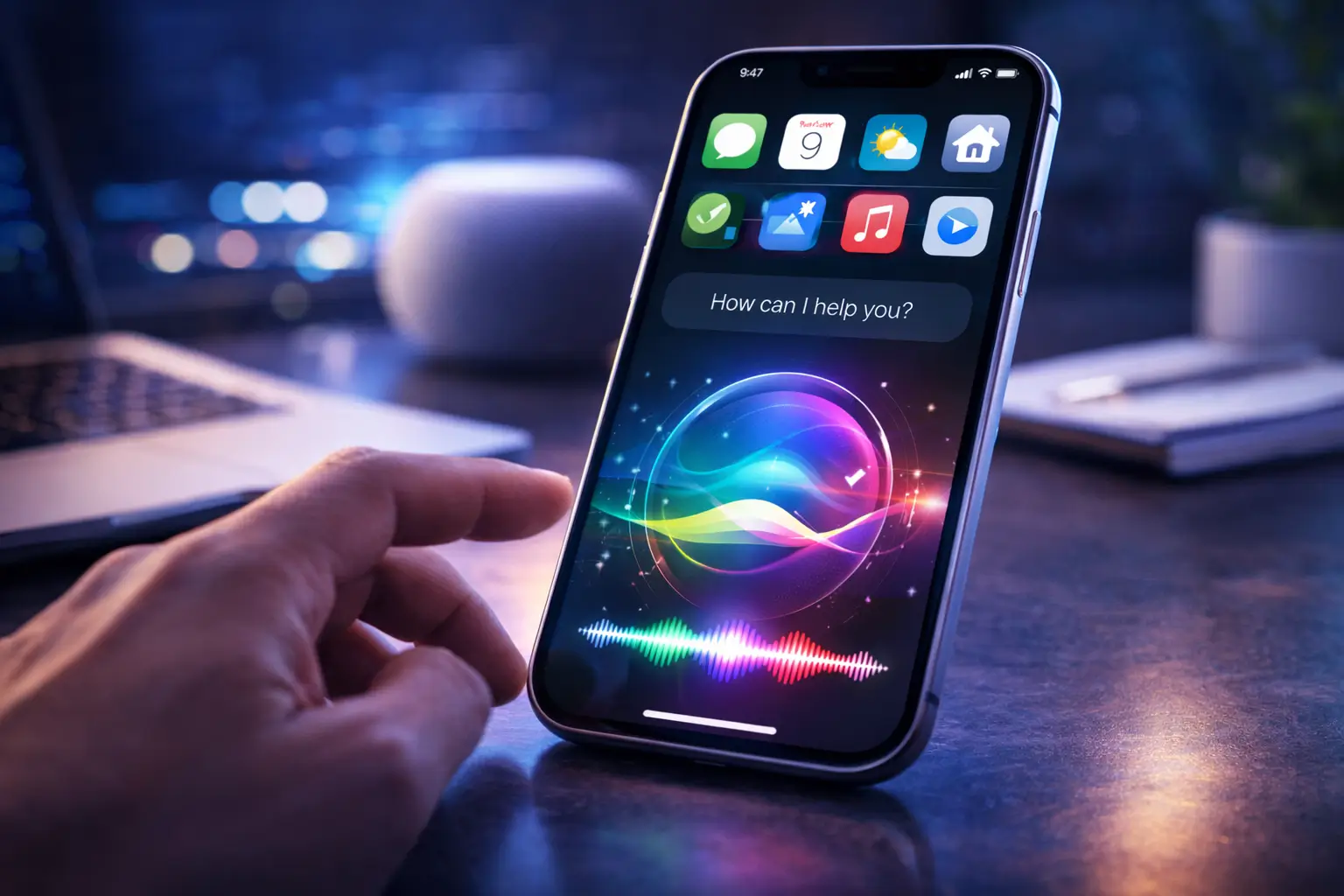
What the Siri Interface iOS 27 Means for iPhone Users
The Siri interface iOS 27 update changes more than the assistant itself. It changes how iPhone users interact with their devices every day. For years, many people treated Siri as a secondary feature. They used it occasionally for alarms, quick questions, or simple reminders, but they did not fully rely on it. That may start to change now.
If Apple delivers what users expect, Siri will become more useful in real situations. Instead of tapping through menus, opening multiple apps, and repeating the same steps, people will be able to speak naturally and get things done faster. That saves time and makes the iPhone feel more efficient.
The Siri interface iOS 27 also makes the phone feel more personal. A smarter assistant can respond based on context, habits, and the tasks users actually perform. That means less friction and fewer interruptions in daily use.
For iPhone users, the biggest difference is not just convenience. It is confidence. If Siri becomes more accurate, more aware, and more helpful, people will finally trust it for more than basic tasks. That is what makes this redesign important. It could turn Siri from an optional feature into a core part of the iPhone experience.
Less Manual Interaction With Siri Interface iOS 27
The Siri interface iOS 27 update could reduce one of the most repetitive parts of using an iPhone: constant tapping, searching, and navigating through menus. Right now, many users still complete even simple tasks manually. They open apps, scroll through options, type commands, and repeat the same steps every day. That takes time, and it often feels unnecessary.
With a smarter Siri, users can ask instead of searching. They can give a command instead of opening multiple screens. They can automate small actions that used to require manual effort. This changes the rhythm of using the device. The phone starts to respond more like an assistant and less like a tool that always waits for touch input.
The Siri interface iOS 27 matters here because the visual redesign supports that shift. Siri becomes easier to access, less disruptive, and more integrated into the system. That makes voice interaction feel more natural in everyday use.
For iPhone users, this means less friction. Simple tasks can happen faster, with fewer steps and less effort. That is not just convenient. It changes how people think about using their phone throughout the day.
Faster Daily Actions With Siri Interface iOS 27
The Siri interface iOS 27 update could make daily tasks much faster because it removes unnecessary steps. Right now, even simple actions often require several taps. You open an app, search for the right option, type something, confirm it, and then move to the next task. That process works, but it wastes time when repeated every day.
With the new Siri interface iOS 27, many of those actions can happen through a direct request. Sending messages becomes quicker because users can speak naturally instead of opening the app and typing manually. Setting reminders also becomes easier because Siri can understand context and create tasks without forcing users to repeat every detail. File management can improve too, especially if Siri gains stronger integration with apps and system tools.
This matters because speed changes how useful an assistant feels. If Siri saves only a few seconds once, that does not seem impressive. But if it saves a few seconds many times a day, the experience feels much smoother. That is where efficiency becomes real.
For iPhone users, the benefit is simple: less time navigating and more time actually completing tasks. That is one of the strongest reasons this redesign matters.
A More Personal Experience With the Siri Interface iOS 27
The Siri interface iOS 27 update could make Siri feel much more personal because it is expected to respond based on how each user actually uses the iPhone. That matters because a smart assistant should not treat every person the same way. It should understand patterns, notice routines, and react in a way that feels relevant instead of generic.
Over time, Siri may adapt to your habits, your preferences, and your usage patterns. If you often message the same contacts, use the same apps, or create reminders at similar times, Siri can become faster and more accurate in those moments. That creates a smoother experience because the assistant starts to anticipate what you mean instead of waiting for perfect instructions.
The Siri interface iOS 27 also supports this shift by making interaction feel more natural. A more personal assistant does not just answer questions. It fits into daily life in a way that saves time and reduces effort.
For iPhone users, this changes the relationship with Siri. Instead of feeling like a basic voice tool, it starts to feel like an assistant that actually understands how the device is used. That is what makes the experience more human and more useful.
The Siri interface iOS 27 update is part of a broader strategy from Apple to improve the entire iPhone experience. You can see how this connects with future devices in our article about the iPhone 18 Pro rumors, release date and features.
Apple iPhone 18 Pro: Release Date, Design Rumors & Features to Expect
The Reality Behind the Hype
The Siri interface iOS 27 update sounds exciting, but it is important to stay realistic. Apple is redesigning Siri, yet that does not guarantee a perfect experience from day one. New features can look impressive in demos, but real-world use often reveals limitations that users notice quickly.
Accuracy remains one of the biggest challenges. A smarter assistant must understand requests correctly every time, not just occasionally. If Siri misinterprets commands or fails to follow context, users will stop trusting it. That is a critical point, because trust defines whether people rely on an assistant or ignore it.
Privacy is another concern. Apple has always emphasized user privacy, but deeper AI integration often requires more data awareness. The Siri interface iOS 27 must balance intelligence with strong privacy protection. If users feel their data is not secure, they will hesitate to use advanced features.
Performance consistency also matters. Siri must respond quickly and reliably across different situations. If the assistant feels slow or unpredictable, the experience breaks down.
Apple needs to balance innovation with reliability. If the system fails too often, users will lose confidence, and even a major redesign will not change how people actually use Siri.
When Will the Siri Interface iOS 27 Be Available?
The Siri interface iOS 27 update will likely follow Apple’s usual release pattern, but timing still matters for expectations. Based on current information, Apple should introduce the redesign during WWDC, where the company presents major software updates. This event gives developers and early testers the first look at new features, including changes to Siri.
After the announcement, Apple will move into testing phases. Developers receive early builds, and public beta versions often follow. This means some users may try parts of the Siri interface iOS 27 before the official release, but the experience may not feel complete at that stage.
The full rollout should arrive later in the year with the official iOS 27 release. Even then, Apple rarely launches everything at once. The company often introduces features gradually, refining performance and stability over time.
That is why users should stay patient. The redesign may appear in stages, and some advanced capabilities could take longer to reach all devices.
Why This Update Really Matters
The Siri interface iOS 27 update matters because it goes beyond a single feature. It points to a shift in how people use smartphones. For years, touch controlled almost every interaction. Now voice and AI are starting to take a central role. If Apple delivers a reliable and smart assistant, users will change how they complete daily tasks.
This is not only about improving Siri. It is about redefining the iPhone experience. A more capable assistant can handle actions across apps, reduce manual steps, and respond with better context. That creates a faster and more natural workflow. Users spend less time navigating and more time getting results.
The Siri interface iOS 27 also shows how Apple plans to compete in an AI-driven market. Users already compare assistants across platforms, and expectations continue to rise. If Siri becomes more accurate, responsive, and useful, it can move from a secondary feature to a core part of the system.
That is why this update matters. It can change how people interact with technology every day, not just how they use Siri.
Apple continues to improve its assistant, as shown on the official SIRI PAGE
Executive Summary
Apple is redesigning the Siri interface in iOS 27 to make it smarter, more natural, and deeply integrated into the iPhone experience. This update goes beyond visuals and introduces stronger context awareness, improved app control, and AI-driven interactions. While expectations are high, the success of this redesign depends on how well Apple balances innovation with reliability. If it works, Siri could finally become a true intelligent assistant.
